

Technically, setting up a RedM server takes an evening: download FXServer, run txAdmin, install a framework and the server comes online. Building a RedM RP server that keeps its players beyond the first week is another matter. It takes a clear identity, resources that work together, an economy that does not collapse after a month and a team ready to run the community.
This guide walks through the steps in the order they actually come up, from the initial idea to opening day. It draws on what we see every day while developing RedM scripts for VORP and running our own showcase server.
Define your RedM server concept
Before installing a single script, write the project down. A Red Dead Redemption 2 roleplay server without a clear direction often ends up as a copy of an existing one, with the same jobs and the same conflicts.
Build an identity
Identity is what makes a player choose your server over another. It fits in a few sentences: the tone (realistic, dramatic, more relaxed), the roleplay standard you expect, and what players can experience with you that they cannot find elsewhere. A name, a consistent visual style for the Discord and the interfaces, and a readable rulebook complete the picture.
Choose your setting and era
Red Dead Redemption 2 takes place in 1899, but nothing forces you to stay there. Some servers move the timeline forward to introduce the telephone, electric street lights or the first automobiles; others stay as close to the game as possible. The choice has concrete consequences: it decides which jobs make sense, which items are sold, which vehicles exist and even which documents players handle. Pick the year, then stick to it in every resource.
Decide on the type of roleplay
Serious western, frontier life, a deep economy, criminal roleplay or town life: these options are not mutually exclusive, but one of them should lead. A server built around law and outlaws does not need the same things as a server focused on ranches and trade.
Know your target audience
Experienced players, newcomers discovering RP, content creators, established groups: each audience expects a different welcome. Your audience shapes how strict the whitelist is, how many rules you need and how often you run events.
Choose your framework: VORP and the alternatives
The framework is the layer that handles characters, money, basic inventories and permissions. Every RedM script you install relies on it, so switching after launch is close to rebuilding the server.
- VORP Core is the most widely used framework on RedM. It is open source, documented by its community and backed by a large ecosystem of compatible resources. It is also the foundation of all our RedM resources.
- RSG Core follows an organisation close to QBCore (FiveM), which can help teams coming from GTA RP.
- RedEM:RP is older and still found on some servers, but its ecosystem is less active today.
To choose, look less at the feature list than at four concrete criteria: how active the repositories are (recent updates, fixes), whether the scripts you need exist for it, the quality of the documentation and your team’s ability to read and modify the code. A popular framework only helps if your developers know it well.
Essential resources
A RedM RP server rests on a base of resources that must work together. A consistent, stable base beats a pile of scripts stepping on each other.
- Character management: creation, appearance, character selection at login. It is the player’s first contact with your server and deserves the most care. See for example KS-Character RedM character creation and multi-character selection.
- Inventory: weight, slots, storage, trading between players. It touches almost every other resource.
- Economy: accounts, salaries, invoices, businesses. More on that below.
- Jobs: a system that lets players hold several jobs and go on duty cleanly, such as KS-Multijob RedM.
- Interactions: a look-at or mouse targeting system avoids piling up keys and menus. That is the role of KS-Target RedM.
- Administration: bans and warnings, teleporting, player and entity management, logs. A tool like KS-Admin RedM saves your staff a lot of time.
- Communication: telegrams, newspapers, announcements. On a western server, these tools replace the phone and shape social life.
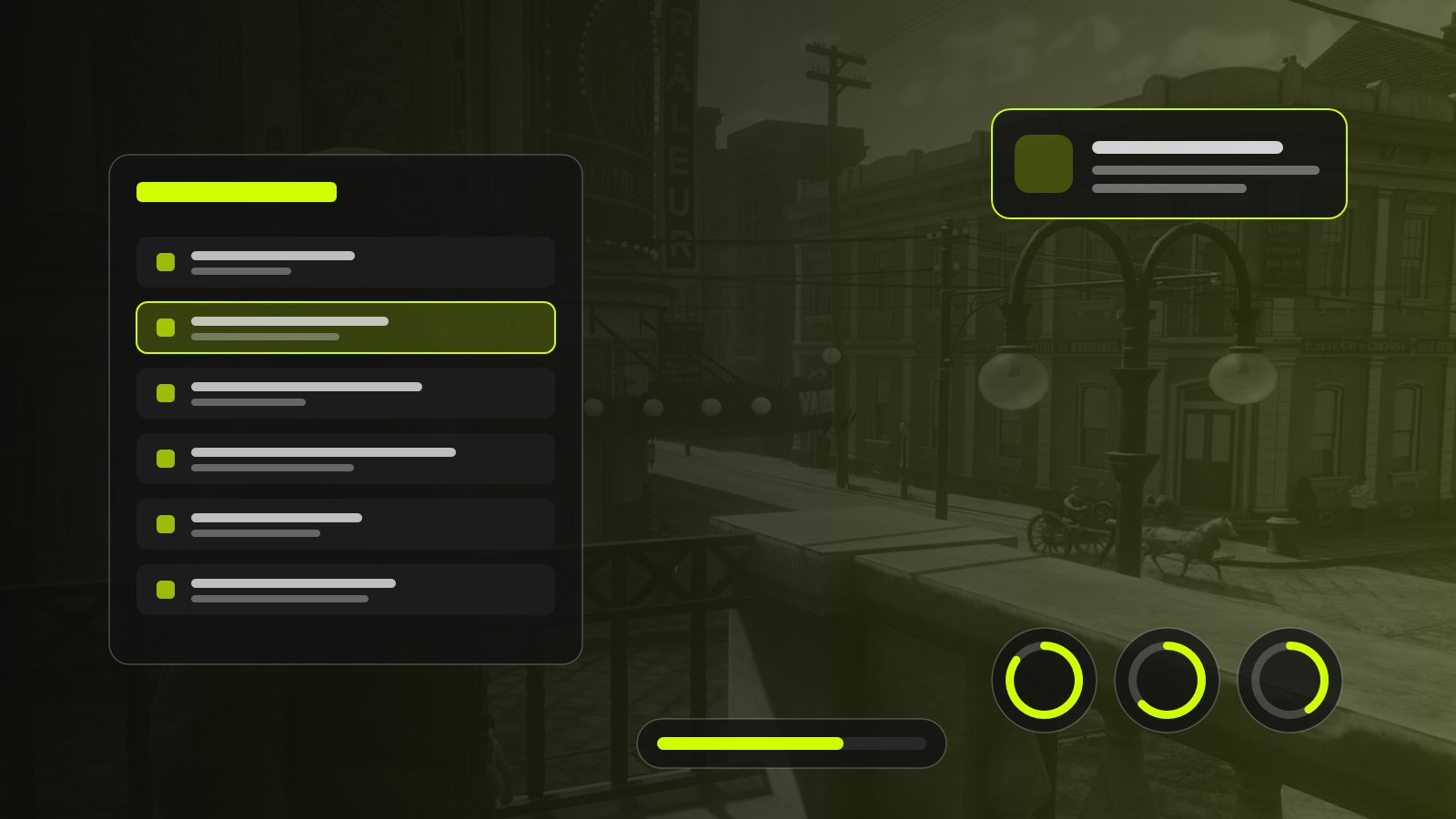
- Interfaces: notifications, progress bars, HUD. They must share the same style, or the server looks assembled from spare parts.
The RedM Core Pack brings together targeting, notifications, the progress bar, metabolism, multi-job and the character sheet, designed to work as one.
Build a consistent economy
The economy is the most underestimated part of a server. It is invisible on day one, yet it decides whether money still means something three months later.
Job income
Start by setting a reference hourly income for an average legal job, then place every other activity relative to it. A tough or risky job should pay more, but the gap must stay reasonable: if hunting pays three times more than ranching, everyone hunts.
Item prices
Prices follow income, not the other way round. Start from what a player earns in an evening and ask what they should be able to afford: a meal, a weapon, a horse, a house. Keep this price grid in writing; it prevents inconsistencies when several scripts set their own prices.
Player progression
A new player should be able to make a decent living in the first hours without owning everything after a week. Plan milestones: starting gear, the first big purchase, the first investment (a shop, a ranch).
Money supply
Every dollar that enters the server (wages, sales to NPCs, rewards) needs a way out (purchases, taxes, upkeep, fines). Without these sinks, the money supply grows and prices lose their meaning. Resources such as KS-Economy RedM centralise accounts, invoices and salaries so you keep an overview.
Avoid imbalances
Watch for abnormal fortunes and infinite money loops (buying from one NPC to sell higher to another). Set up transaction logs from the start and adjust in small steps: a brutal correction discourages honest players.
Create interesting jobs and activities
A good job offers a clear gameplay loop, interactions with other players and a reason to come back. A few proven examples on RedM:
- Civilian jobs: rancher and farmer, miner, lumberjack, fisher, hunter, courier, railway worker, cook or saloon keeper. The best ones feed other activities: the lumberjack supplies the carpenter, the hunter supplies the butcher.
- Law and medical jobs: sheriff, marshal, doctor. They give meaning to the rest of the server, provided they have the tools to act (fines, records, detailed treatment). Our KS-Medic RedM and KS-Blueforce RedM were designed with that in mind.
- Illegal activities: smuggling, moonshining, stagecoach, train or bank robberies. They need real risk and a real response from law enforcement, otherwise they become a cash machine. See for example KS-Moonshine RedM or KS-Bank-Robbery RedM.
One detail often makes the difference: jobs that cross paths. A rancher selling at the market, a doctor called after a robbery, a journalist covering it the next day: that is where roleplay happens.
Mistakes to avoid
Some mistakes show up on almost every project we work on.
- Installing too many scripts from the start. Every resource adds load, possible conflicts and maintenance. Start small and add as real needs appear.
- Mixing incompatible resources. Two inventories, two notification systems or two economies running side by side create bugs that are hard to track down.
- Ignoring performance. A script that consumes too much on the client or server affects everyone. Monitor usage with the in-game
resmoncommand and txAdmin’s performance tab. - Editing a resource’s files directly. The next update wipes your changes. Use the configuration files provided for that purpose.
- Forgetting backups. A lost database means hundreds of hours of play erased. Schedule automatic backups and test restoring them.
- Opening without a team. A server without moderators and event staff available at peak hours loses its players fast.
Prepare your server launch
Testing
Run a closed test with a handful of trusted players. Have them follow real journeys: character creation, first job, first purchase, first arrest. Write down every blocker, even minor ones.
Performance
Test with several people, not alone: most problems only appear when many players gather in the same place. Check loading times, connection stability and each resource’s usage.
Security
Never trust data sent by the client: important checks (money, items, permissions) must happen on the server. Limit admin access, protect the database and keep your resources up to date.
Documentation
Write at least three documents: clear rules, a getting-started guide for new players and internal documentation for your staff (commands, procedures, contacts). Our product documentation can serve as a starting point for the technical side.
Community management
The Discord is your server’s front door. Well-organised channels, a clear application process and regular announcements reassure newcomers. Add a bug report channel too: your players are your best testers.
Frequently asked questions
Do I need to know how to code to create a RedM server?
Installing and configuring existing resources only takes the basics: reading a configuration file, understanding how a resource is structured, checking error logs. Building your own systems requires Lua and, for interfaces, HTML, CSS and JavaScript.
Is VORP the best framework for a RedM server?
It is the most widely used and has the largest ecosystem of compatible resources, which makes it a safe choice for most projects. The “best” framework is still the one your team knows and for which you can find the resources you need.
How many players can a RedM server hold?
It depends on the machine, the Cfx.re licence attached to the server and above all on how heavy the installed resources are. A light, well-optimised server will host more players comfortably than an overloaded one on a more powerful machine.
How long does it take to prepare a launch?
Plan several weeks for a serious server: installation, configuration, economy, testing and community setup. Projects that open too quickly often spend the following months fixing things.
Can I try scripts before installing them?
Yes, and we recommend it. You can try our resources directly on our RedM showcase server, which runs on VORP Core.
Summary
A successful RedM RP server depends less on the number of scripts than on how well they fit together: a clear identity, a framework your team masters, a base of resources that work as one, an economy designed from day one and a well-prepared launch. Take time at each step, test with other people and open when the server is ready, not before.
If you want to save time on the technical side, our RedM server setup service installs and configures the server, the VORP framework and a base set of scripts for you. You can also browse all our RedM scripts.