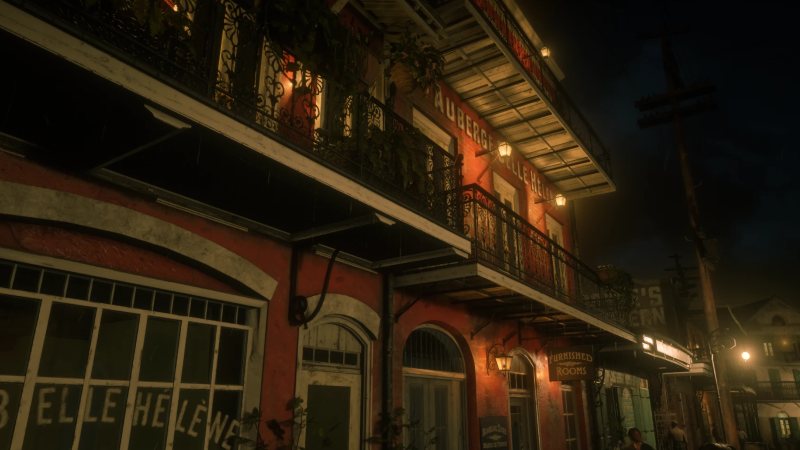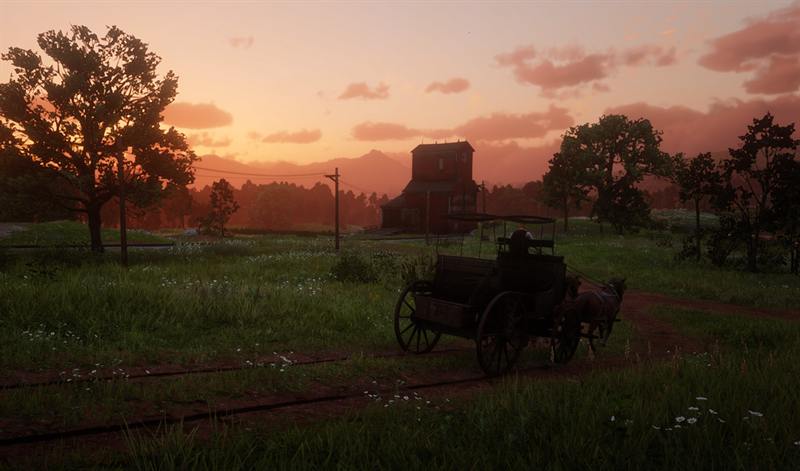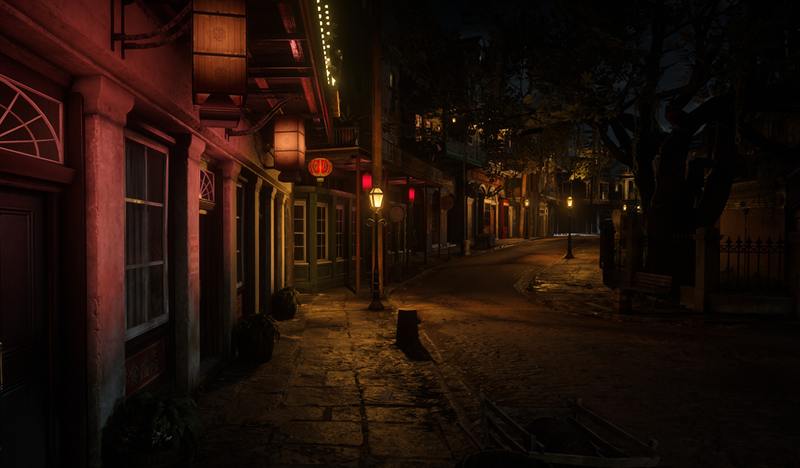

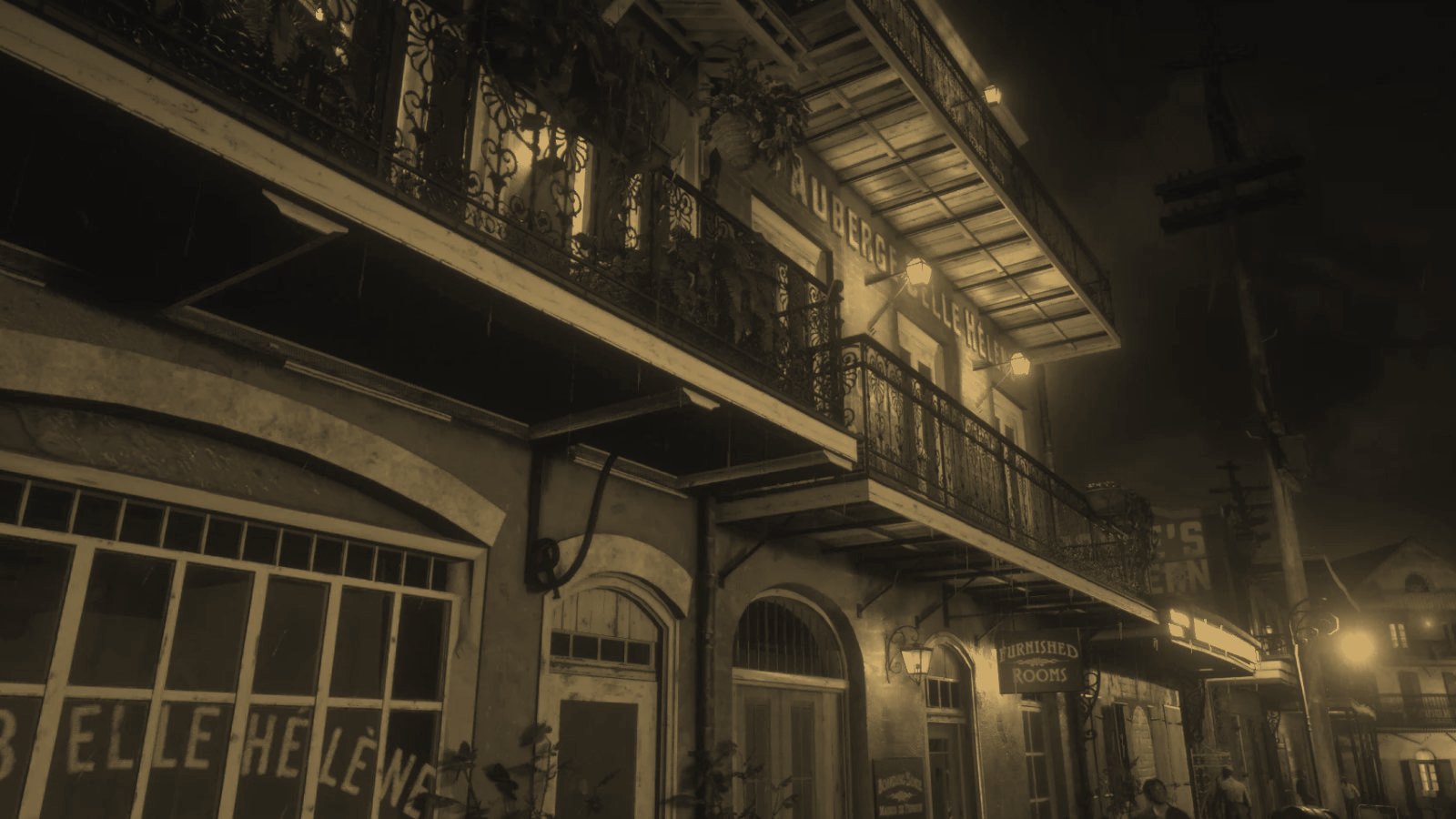
A FiveM MLO (or RedM MLO) is a custom interior added to the game map: a bespoke police station, an inn, a garage, a clinic. Together with mapping and map extensions, it is the main way to give a server places of its own, designed for its jobs and its roleplay rather than inherited from the base game.
This guide explains what an MLO really is, how it differs from other kinds of environments, how one is made and what to watch for so it stays fast. If you mostly want to know why MLOs have become so important on RP servers, our article on why MLO interiors matter for roleplay covers that angle.
What is an MLO?
The term comes from the interior system of the RAGE engine, used by GTA V and Red Dead Redemption 2. An MLO is an interior described as a set of rooms connected by portals (doors, windows, openings). The engine relies on this structure to render only the rooms visible from the player’s position, and to give each room its own ambient lighting.
In terms of files, an MLO is mainly made of:
- 3D models (
.ydrfiles) for walls, floors, furniture and props; - texture dictionaries (
.ytd); - collisions (
.ybn), which define where you can walk and what stops a character or a bullet; - an archetype definition (
.ytyp) describing the interior’s rooms, portals and objects; - a map placement (
.ymap) that positions the interior in the world.
All of it is packaged as a resource that the server streams to players, just like a script.
MLO, mapping and other environments: what is the difference?
Vocabulary varies between communities, but four families are usually distinguished.
- The MLO: a true interior built into the map, with its own rooms, portals and lighting. You walk in, with no loading screen or teleport.
- Mapping: adding, changing or removing objects and buildings outdoors (a redesigned square, a barricade, a car park, a decorated street). It mostly relies on
.ymapfiles and can reuse existing game models. - The shell: a standalone interior, often placed far from the playable area, that players are teleported into when they use a door. Simpler to produce, it suits housing generated in bulk, but the continuity between outside and inside is lost.
- The map extension: entirely new areas with terrain, buildings, roads and sometimes NPC navigation. That is the case of Nuevo Paraíso, which makes Red Dead Redemption 2’s Mexico playable on RedM.
These approaches are often combined: an MLO frequently comes with some mapping to blend its surroundings into the neighbourhood.
Why build a custom environment?
Fit locations to the gameplay
Base-game interiors were designed for a story, not for your server. A police station needs cells, an interview room and a front desk; a hospital needs treatment rooms and a waiting area. An MLO designed for gameplay puts those spaces where roleplay needs them.
Open up new activities
A new place often brings a new activity: an illegal distillery, a gambling club, a theatre. The environment gives a believable setting to scripts that would otherwise float in a generic backdrop.
Make locations consistent
A custom environment fixes inconsistencies: a façade with no interior, a closed shop in the middle of a busy street, a building that does not match the era your server has chosen.
Create dedicated job spaces
Jobs need anchor points: a counter, a storeroom, a workstation, a safe. An MLO designed alongside its scripts plans these spots from the start. The Auberge Belle Hélène, for example, can be run as a player-owned establishment with KS-Saloon RedM.
Shape your server’s identity
Landmark places become a community’s points of reference: the saloon where everyone meets, the headquarters of a well-known company. They contribute to a server’s identity as much as its rules or its Discord.
The steps to create an MLO
Design
Everything starts with a brief: where on the map, what the place is for, which jobs will happen there, how many players to expect, which era. From it comes a plan of the rooms, the circulation and the interaction points. This step avoids costly rework later.
Modelling
Walls, floors, ceilings, stairs and furniture are modelled in 3D software, keeping the polygon budget in mind. Simplified versions for levels of detail (LOD) and collision geometry, simpler than the visible models, are prepared at this stage.
Textures
Materials set the era and the mood: weathered wood, wallpaper, metal, stone. Textures must stay consistent with the game’s own so the interior does not stand out, and their resolution must match the real on-screen size of each surface.
Integration
Models are exported to the game’s formats, the interior is split into rooms and portals, lighting and atmosphere are tuned room by room, then the whole thing is placed on the map and packaged as a resource.
Testing
The interior is tested in game, by day and by night, alone and with others: movement, doors, collisions, visibility from outside, behaviour when a player connects while already inside, and coexistence with the server’s other resources.
Optimisation
Testing almost always reveals things to improve: a texture that is too heavy, a room visible through a wall, a draw distance that is too generous. Optimisation is a full step in its own right, not an optional finishing touch.
Tools used to create MLOs
Creators use a variety of toolchains. The most documented in the community are:
- Blender, the free modelling software, with the Sollumz add-on to import and export GTA V formats;
- 3ds Max, long used by part of the community, with export plug-ins dedicated to the game’s formats;
- CodeWalker, which lets you explore the GTA V map, place objects and edit
.ymapand.ytypfiles; - texturing software (texture painting, image editing) to produce materials;
- OpenIV, for a long time the go-to tool for exploring GTA V files.
On RedM, the picture is more mixed: the formats are close to GTA V’s, but community tool support for Red Dead Redemption 2 is more recent and more partial. RedM creators therefore often rely on specialised tools and on more in-game testing.
Optimising an MLO for FiveM and RedM
A stunning MLO that tanks FPS ends up uninstalled. These are the points that matter most.
- Performance: the split into rooms and portals must be clean so the engine only renders what is visible. An interior without proper portals is rendered in full, even from the street.
- Textures: use suitable resolutions (a door handle does not need a 4K texture), compressed formats and textures shared between similar objects. Total texture weight weighs directly on players’ memory; FiveM even flags oversized resources when they load.
- Geometry: keep polygons for the surfaces that deserve them, merge small static objects when possible and provide LODs for anything seen from a distance.
- Collisions: use simplified shapes, assign the right materials (footstep sounds, impacts) and make sure no gap lets a player or a horse slip through.
- Resources: a well-packaged MLO only loads what it needs, declares its files correctly and avoids duplicating models already in the game.
- In-game testing: measure FPS and memory use inside, in front of the façade and at a distance, with several players. The
resmoncommand helps confirm the resource is not consuming anything abnormal.
Mistakes to avoid
- Placing an MLO where another interior or mapping already exists, causing overlapping objects or flickering walls.
- Neglecting portals, which leaves rooms invisible from some angles or, on the contrary, the whole interior visible through the walls.
- Forgetting room ambient lighting: the interior then looks flat, too dark or lit like the outside.
- Multiplying unique, heavy textures, which lengthens loading and fills up memory.
- Rushing collisions: a player walking through a wall or falling through the floor breaks roleplay instantly.
- Not testing reconnection inside: a player who reconnects inside the building must find the interior correctly loaded. On the Auberge Belle Hélène, we built a dedicated loading fix for exactly that case.
- Ignoring the server’s scripts: an interior with no planned spot for the counter, the safe or the workstation forces you to patch the integration afterwards.
How to choose an MLO creator
A few criteria help tell solid work from a pretty render.
- In-game screenshots and videos, not just 3D renders: lighting, collisions and consistency with the surroundings only show in game.
- Compatibility: supported game version, exact map location, known conflicts with other interiors or resources.
- Performance: a serious creator can explain how the interior is optimised (portals, LODs, textures) and what it consumes.
- Documentation: installation, possible dependencies, anchor points for scripts.
- Follow-up: fixes after delivery, updates when the game version changes, support responsiveness.
- A chance to test: nothing beats a visit on a showcase server before buying.
Frequently asked questions
What is the difference between an MLO and an IPL?
IPLs are sets of map elements the game loads or unloads, often to switch on a variant of an existing location (a building under construction, a story-mode interior). An MLO is an added interior with its own models, rooms and portals. Both can coexist, but an MLO placed where an active IPL sits can conflict with it.
Does a FiveM MLO work on RedM?
No. Both games share the same engine and similar formats, but their assets are not interchangeable: an MLO must be designed and exported for the target game, and its art direction must match that game’s world.
Does an MLO use a lot of resources?
It depends entirely on how it is built. An interior properly split into rooms, with suitable textures and LODs, stays light; an unoptimised one can weigh heavily on the memory and FPS of nearby players.
How long does it take to create an MLO?
From a few days for a small, simple interior to several weeks for a multi-storey building with custom furniture, careful lighting and script integration. Testing and optimisation take up a large share of that time.
Can I modify an MLO I bought?
It depends on its protection. Resources delivered as open code can be adapted within the terms of their licence; resources protected by Cfx.re escrow cannot be freely modified.
Summary
A successful MLO is a balance: a place designed for gameplay, art direction true to the server’s world and optimisation that preserves every player’s performance. Understanding the differences between MLOs, mapping, shells and map extensions helps you pick the right approach for each need.
3D design is one of KEOPS Studios’ core skills, alongside script and interface development. You can browse our MLOs and map extensions, visit the Auberge Belle Hélène in game on our showcase server, or learn about the studio and its 3D work. And if you are preparing a new server, our guide to creating a RedM RP server will help you lay the foundations.