

A few years ago, most interiors on FiveM servers were just the generic buildings shipped with GTA V. Today, a serious roleplay server without custom MLOs is almost the exception. That shift is no small detail: MLOs (Map Loading Objects — the community term for a custom interior) have become one of the pillars of the roleplay experience, right alongside a solid framework or a well-built inventory script.
An interior is not just decoration
A well-designed MLO does more than “dress up” a location — it literally shapes the roleplay that happens inside it. The layout of a police station determines how an arrest plays out, the arrangement of a bar decides where social interactions naturally happen, and the back room of an illegal business needs enough hidden corners for discretion to actually mean something in game. The best MLOs are designed alongside the gameplay logic they’ll host, not just with an architect’s eye.
This matters even more for interiors tied to a job or economic activity: a garage, a restaurant kitchen, or a shop all need coherent anchor points (counters, storage zones, workstations) to plug cleanly into scripts already running on the server, instead of forcing developers to adapt their script after the fact.

Immersion, but also performance
The other reason MLOs became a genuine technical topic is their performance cost. A poorly optimized interior — too many props, missing occlusion culling, badly tuned LODs — can tank the framerate of an entire server, especially during events that gather many players in one spot. Serious interiors today build in:
- Clean occlusion culling, so the engine doesn’t render rooms outside the player’s field of view.
- Properly tuned LODs, which simplify models at a distance without breaking the visual experience.
- Adjusted collisions and navmesh, essential for NPCs and other players to move naturally through the space.
- Clean YMAP/YTYP files and interior IPL, which avoid conflicts with other interiors placed at the same map location.
An MLO that checks every design box but tanks the server tick rate or client framerate always ends up uninstalled eventually — it’s a real purchase criterion, not a detail reserved for developers.
FiveM and RedM: two different logics, one shared challenge
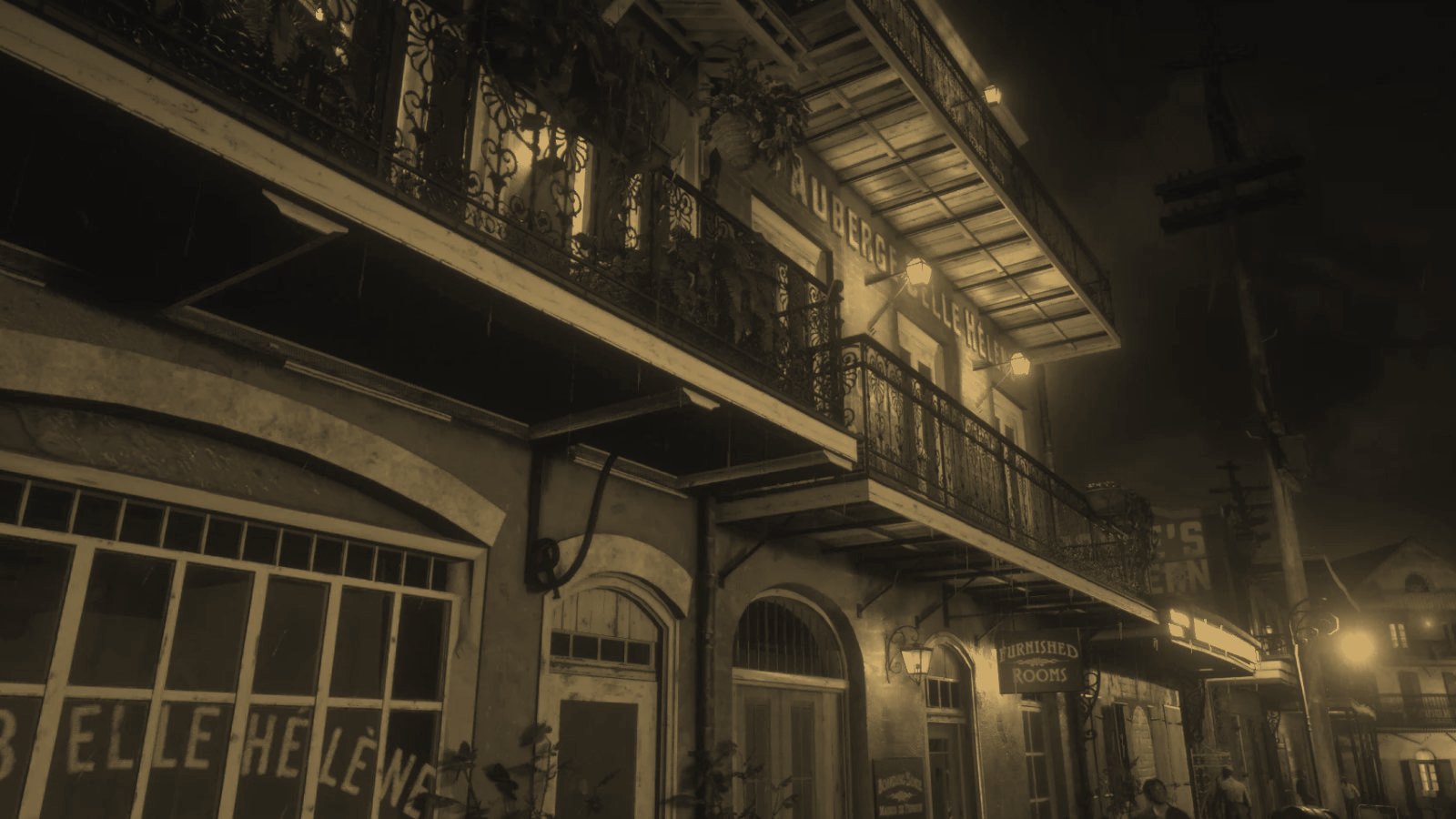
On FiveM, demand for MLOs has mostly gone toward economic and social interiors — shops, apartments, corporate HQs, police stations — a reflection of roleplay often centered on urban life and server economy. On RedM, the logic is different: the Red Dead Redemption 2 universe pushes toward more rustic, period-accurate interiors — saloons, soup kitchens, outposts, craftsmen’s shops — where the challenge is staying true to the game’s western visual identity while keeping the same technical bar as on FiveM. The know-how doesn’t automatically transfer from one game to the other: an interior designed for RedM needs its own art direction, not a simple style port.
How to spot a good MLO before buying it
A few useful habits before installing a new interior on your server:
- Check compatibility with your FiveM/RedM version and make sure it doesn’t conflict with other MLOs already placed nearby on the map.
- Ask for (or test) real performance numbers — in-game resmon remains a far more reliable indicator than a preview video.
- Check how well anchor points match your existing scripts — a beautiful interior that’s poorly suited to your cook job or garage script will cost you integration time.
- Favor clear installation documentation — files provided, exact map location, any dependencies.
Why we’re covering this at KEOPS Studios
That’s exactly the philosophy behind our own MLOs: every interior we release, like our Saint-Denis Kitchen Soup for RedM, is designed for both atmosphere and technical impact — clean occlusion culling, proper LODs, anchor points documented for your job scripts. A successful MLO is a setting you stop noticing after a few hours of play, because it serves the roleplay instead of just decorating it.